Firearms overview
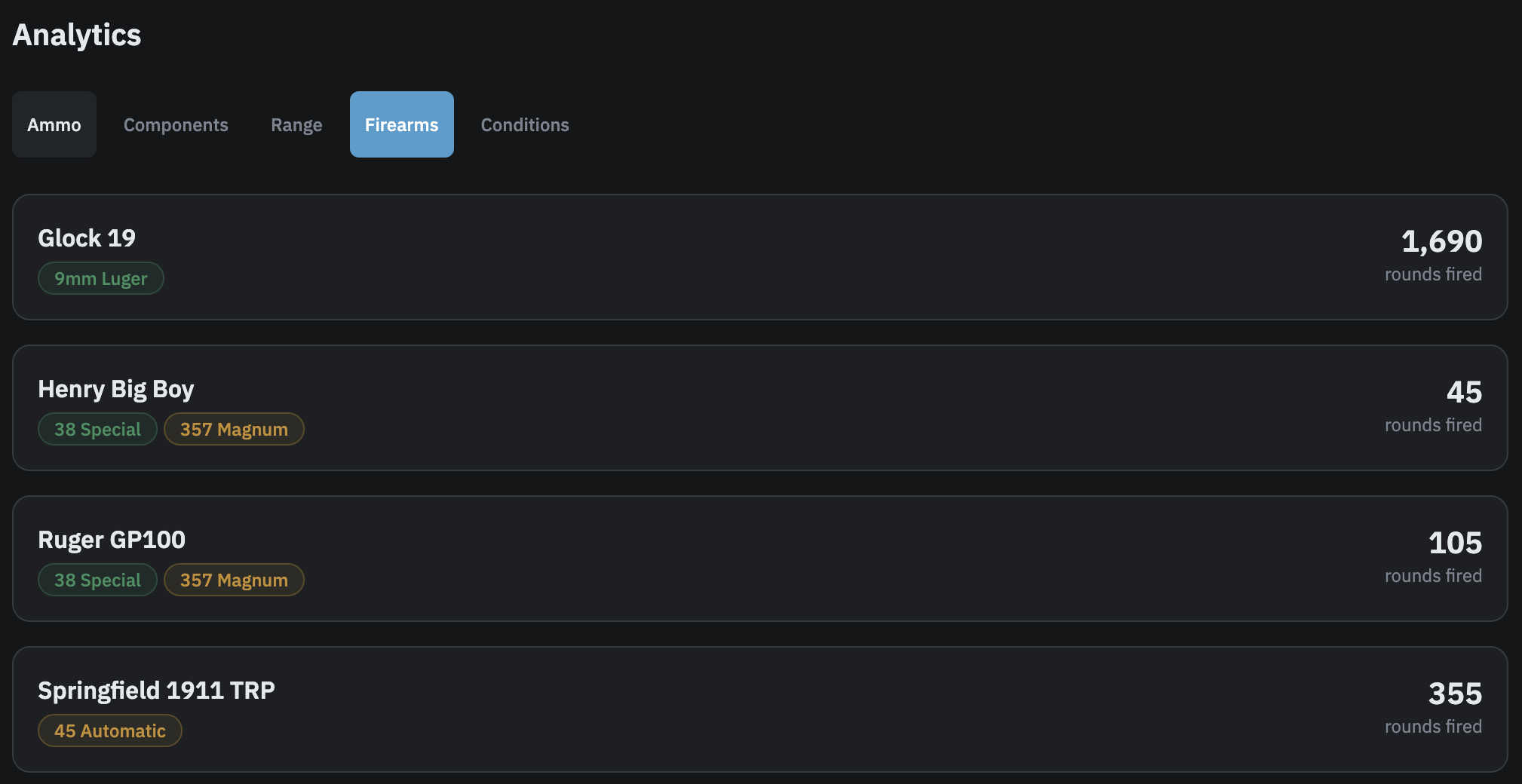
This is a Pro feature. The Firearms tab on the Analytics page lists all your firearms with a total rounds-fired count for each. It provides a quick summary of shooting activity across your guns without leaving the main Analytics page.
What the Firearms tab shows
Each row in the list shows the firearm name linked to its per-firearm analytics page, caliber badges for the calibers that firearm is compatible with, and the total rounds fired through it. Rounds fired is sourced from your ammo shot logs and reflects everything logged since the firearm was added. Firearms are ordered alphabetically by name. All your non-deleted firearms appear in the list regardless of whether any rounds have been logged for them yet.
If no firearms have been added to your account, an empty state appears with a prompt to add one from the Inventory section.
Per-firearm analytics
This article covers the Firearms tab on the main Analytics page, which is a summary list. It is separate from the per-firearm analytics page at /firearms/{id}/analytics, which shows a deeper view of that individual firearm including best load, session history, and velocity consistency data. See the Firearm analytics article for details on that page.